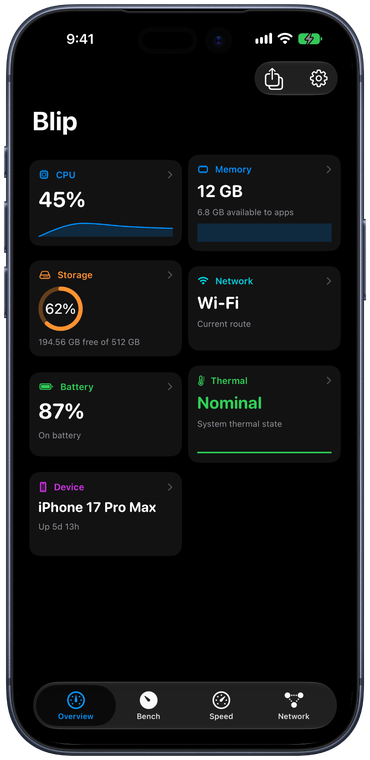
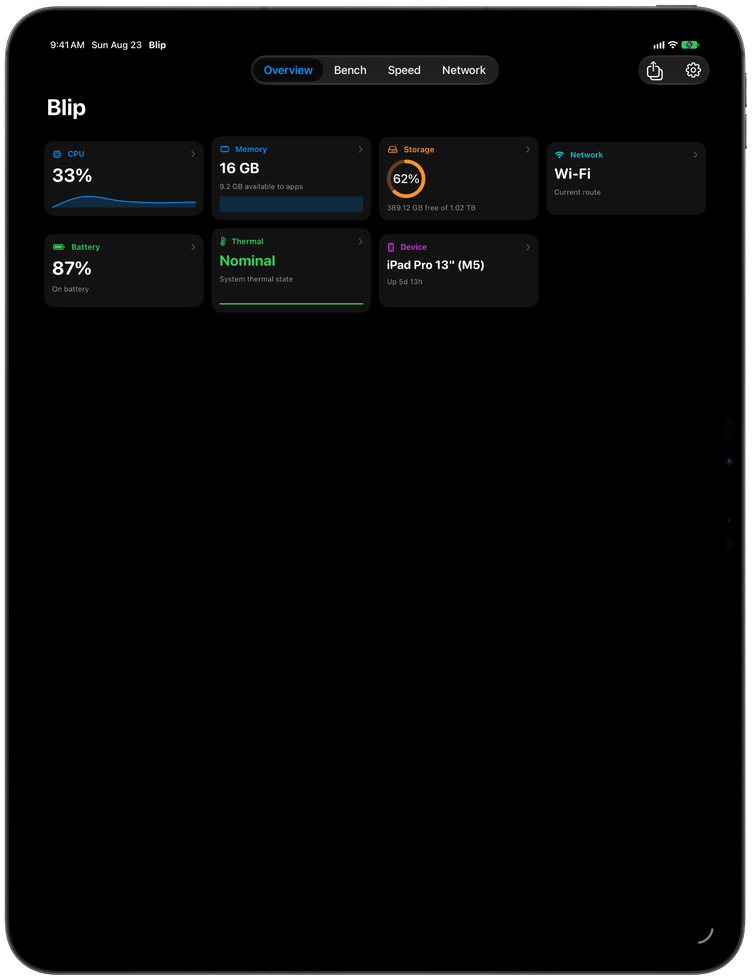
Blip monitors what matters and stays out of your way.
⚡
CPU Monitoring
Total and per-core usage, user/system/idle breakdown, load averages (1m/5m/15m), P-core and E-core counts. Accurate delta-based CPU per process with app icons.
🧠
Memory
App memory, wired, compressed breakdown matching Activity Monitor. Swap usage, cached files, kernel-level pressure indicator. Accurate phys_footprint memory per process.
💾
Disk
Space used and available for all mounted volumes. Real-time read/write speeds via IOKit with total data read/written since boot. Full S.M.A.R.T. drive health — SSD life remaining, drive temperature, lifetime bytes written, power-on hours and more, now including external USB/SATA SSDs. New in v1.5.0: a built-in disk speed test with live Writing…/Reading… phases, sequential write/read MB/s, random-read IOPS, history sparkline, and optional interval testing — benchmark the boot drive or any external volume — plus an I/O chart with Y-axis labels. New in v1.6.0: every volume row gets a gauge button that targets that drive and runs the benchmark in one click.
🌐
Network
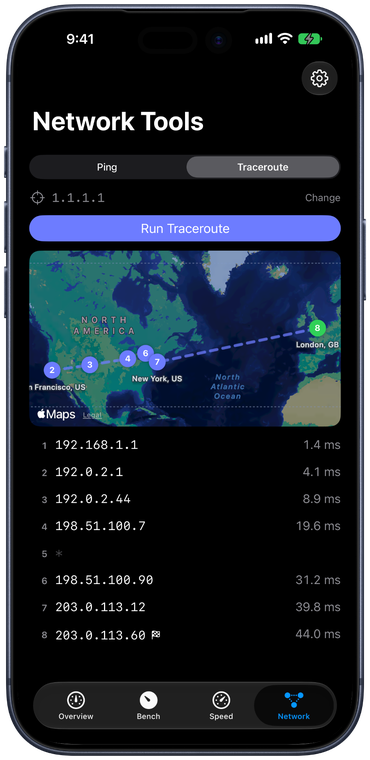
Upload/download speeds with accurate 64-bit session totals, all active interfaces, WAN and router ping, IPv4/IPv6, MAC address, WAN IP reveal, VPN detection. New in v1.5.0: live Traceroute / MTR with per-hop loss & latency that fills in hop-by-hop — with a geolocation map (powered by an optional on-device database you download yourself, so hop locations never leave your Mac) that plots the route across the world — and a multi-gigabit speed test that runs against your own self-hosted OpenSpeedTest server (open-source, sanctioned, unlimited). Bandwidth chart with Y-axis labels.
⏻
Processes
Top CPU and memory consumers with real app icons, accurate delta-based CPU and phys_footprint memory. New in v1.5.0: hover any process to reveal a quit control — one click arms it, a second click terminates the process right from the panel.
💡
Optimization Advisor
New in v1.5.0: a dismissable “Suggestion” banner surfaces actionable advice to improve performance, health, and longevity — runaway-CPU apps, high memory pressure or heavy swap, thermal throttling, a nearly-full startup disk, S.M.A.R.T. warnings, low SSD life, and weak battery health. Highest-severity first; dismissed items stay hidden for 24 hours or until the condition worsens.
🎮
GPU
Apple Silicon GPU utilization percentage with renderer name. Historical usage chart shows GPU load over time with smooth monotone interpolation.
🔋
Battery & Fans
Charge level, health matching Settings app, battery condition, cycle count, temperature, charging status. Fan RPM with min/max ranges.
📊
Beautiful Charts
Historical sparklines for CPU, memory, and GPU. Bandwidth and disk I/O charts with auto-scaled Y-axis labels. Detail panels live-refresh as data changes.
🪶
Featherlight
~2 MB binary. Zero external dependencies. Polls every 2 seconds with efficient ring buffers. Shows its own memory usage in the footer.
🎨
Customizable
Category colors, monochrome, or custom color via picker. Optional utilization colorization. Two layouts (horizontal/stacked). Toggle individual items and labels. Launch at login.
⚙️
Shortcuts Automation
New in v1.6.0: automate Blip from the Shortcuts app. Get System Metric exposes 37 live metrics (CPU, memory, disk & S.M.A.R.T., GPU, network, battery, temps, fans, uptime) as chainable numbers — with average/min/max over the last two minutes for charted metrics. Run a drive speed test on any volume, run a network speed test, run or stop a traceroute and get an MTR summary, open the Traceroute Map, and read or change curated settings — all from your own workflows. Five zero-setup App Shortcut phrases work with Siri and Spotlight out of the box.
🔒
Private & Secure
Zero telemetry, zero tracking, zero analytics. Blip has no servers and never sends your data to us, and the traceroute map geolocates entirely on-device from an optional database you download yourself — no third-party lookup. The only network connections are ones you start: the speed test talks only to the OpenSpeedTest server you self-host, and WAN-IP reveal.